Visualization Server User Manual
| User Manual | Version | Compiler | Date |
|---|---|---|---|
| Playback Control Plugin Instruction | V1.0.8 | Wang Jiale | 2025.06.20 |
Playlist Plugin Instruction Manual
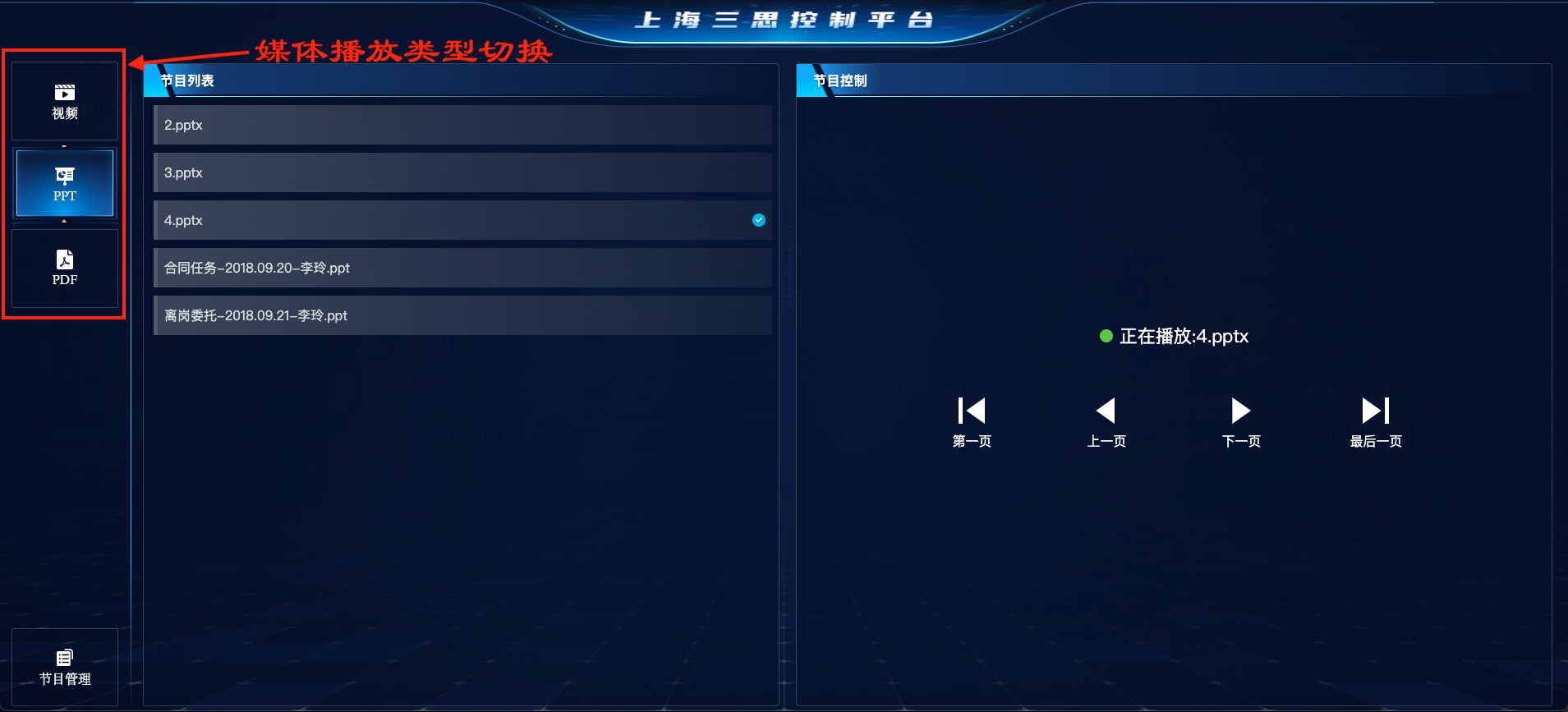
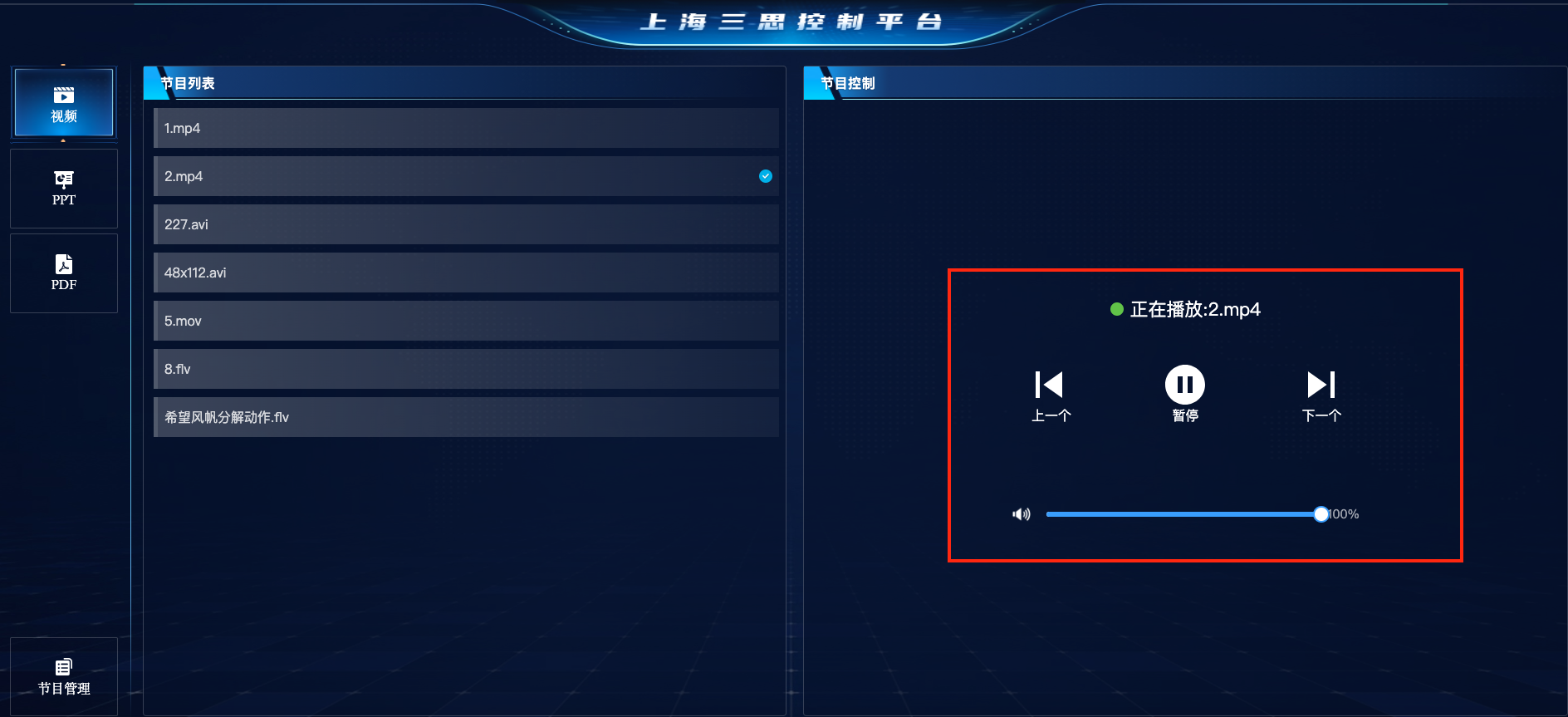
Switch playback types. Click on Video, PPT, or PDF to switch the playback media type.
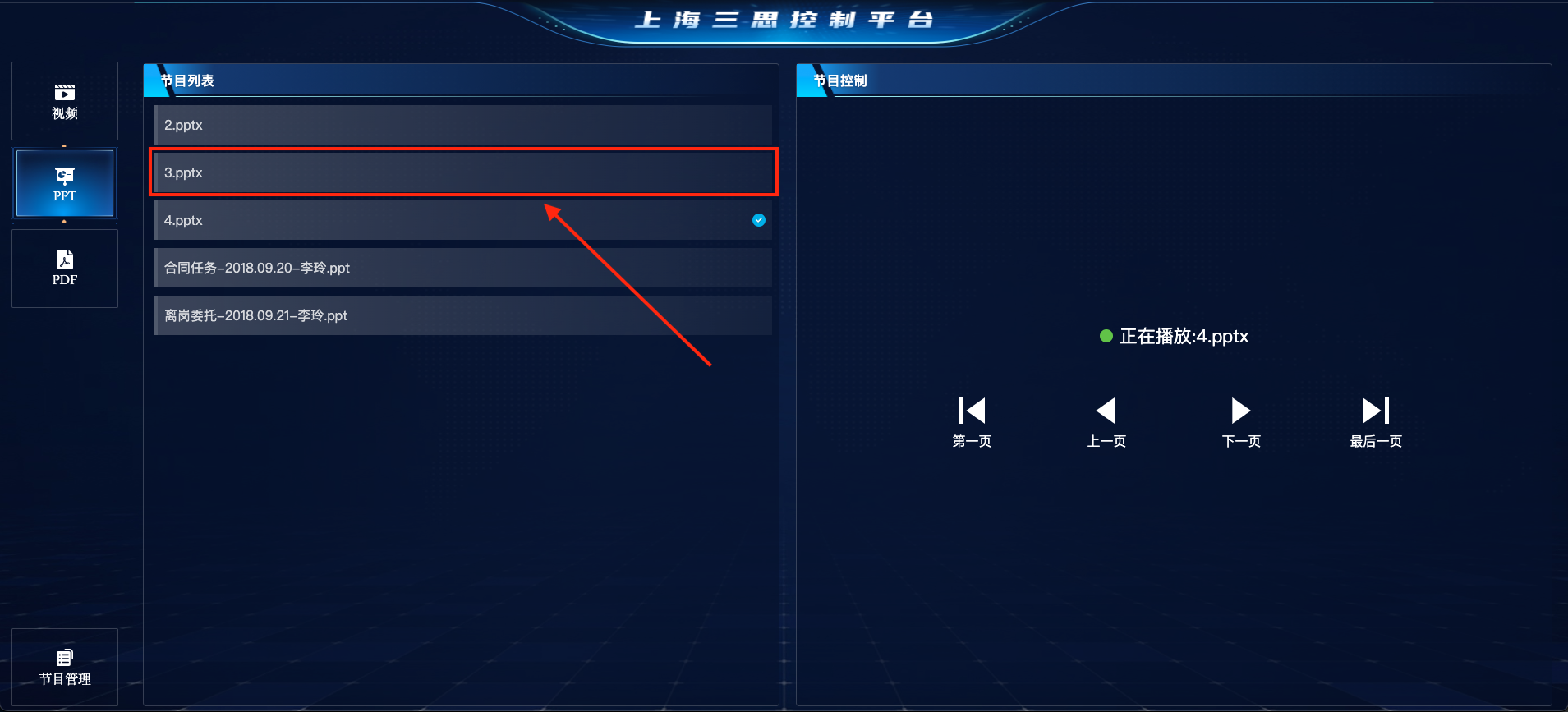
Play programs. Click on a program in the program list to switch the playback material.
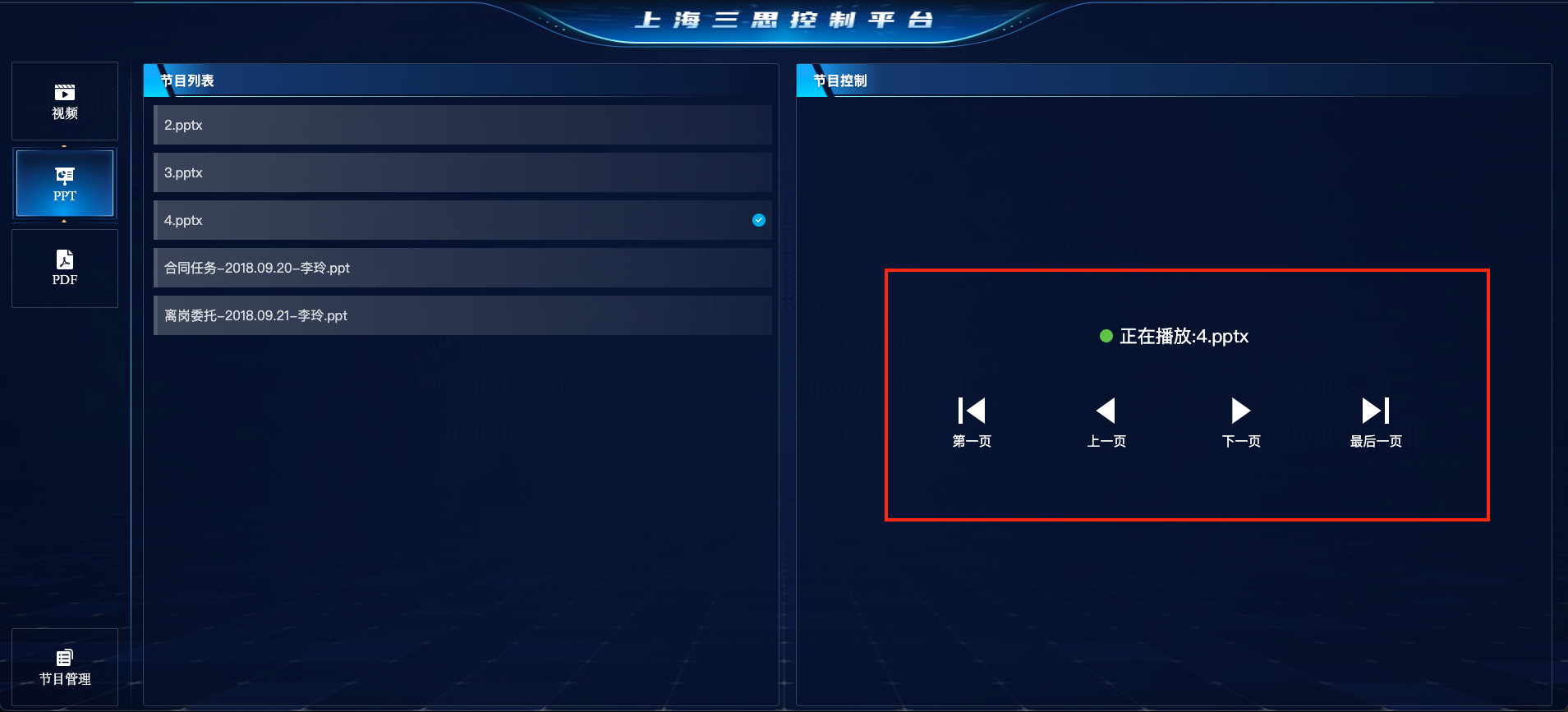
Playback control for PPT and PDF programs
- Currently playing material
- Jump to the first page of the material
- Jump to the last page of the material
- Previous page
- Next page
Playback control for video programs
- Currently playing material
- Jump to the previous material
- Jump to the next material
- Play/Pause
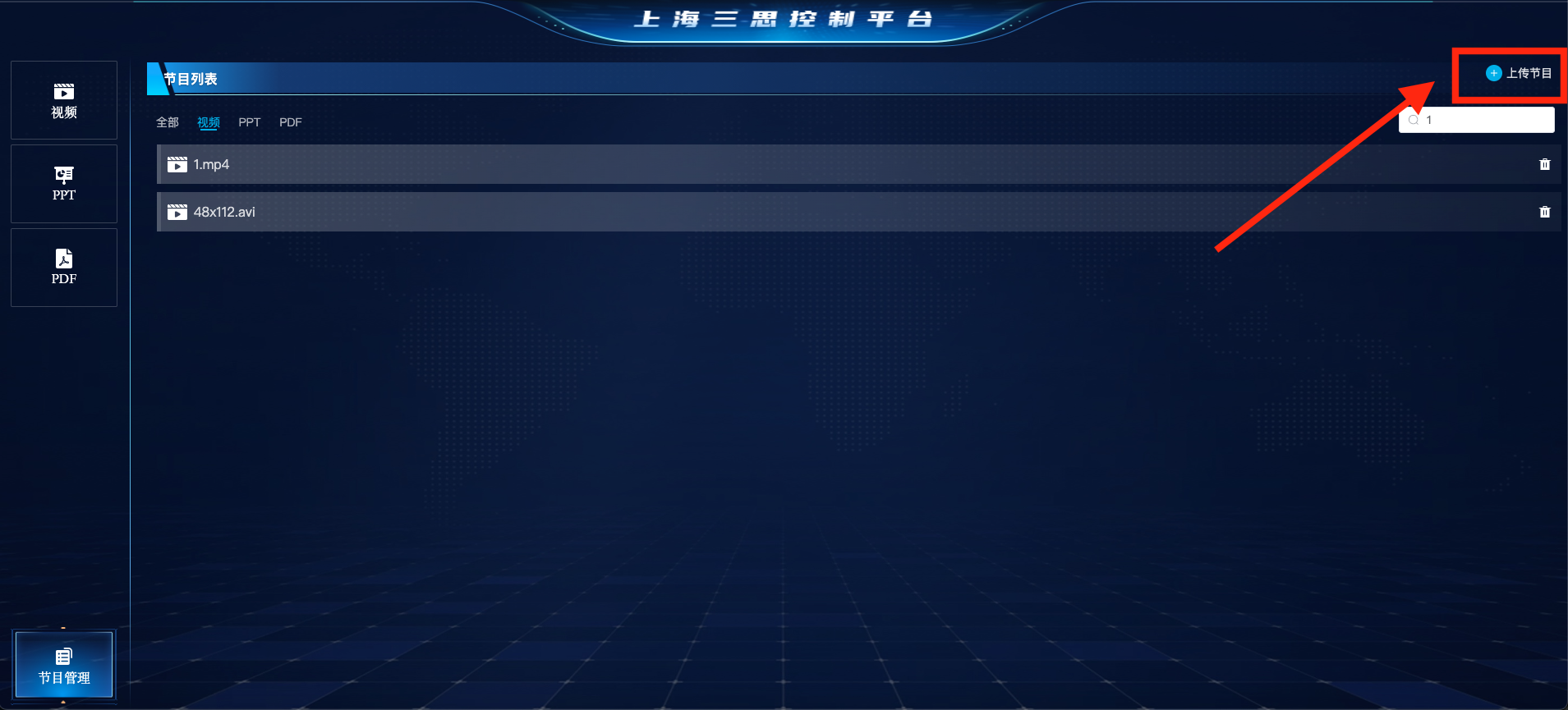
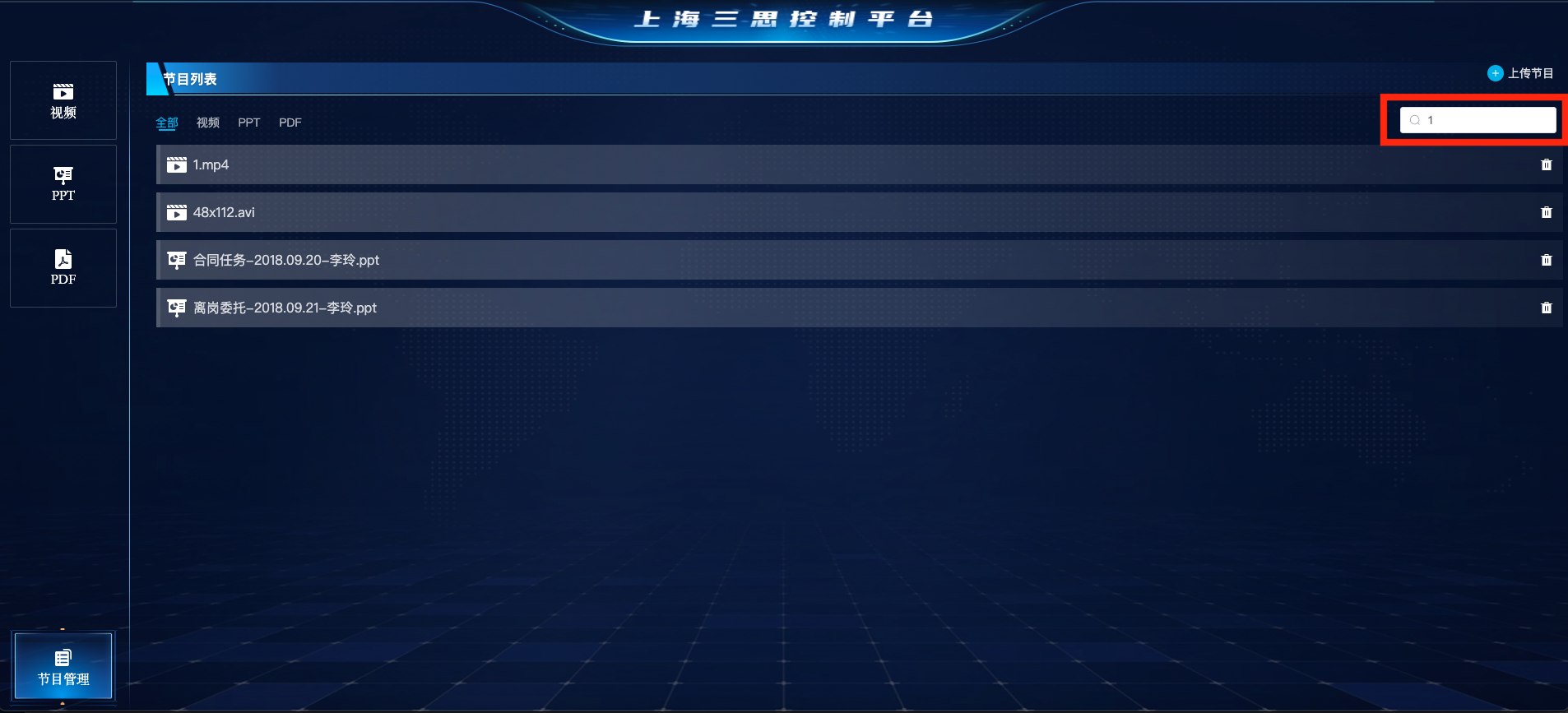
Upload materials. Click the "Program Management" button, then click the "Upload Material" button and select a file to upload to the program list.
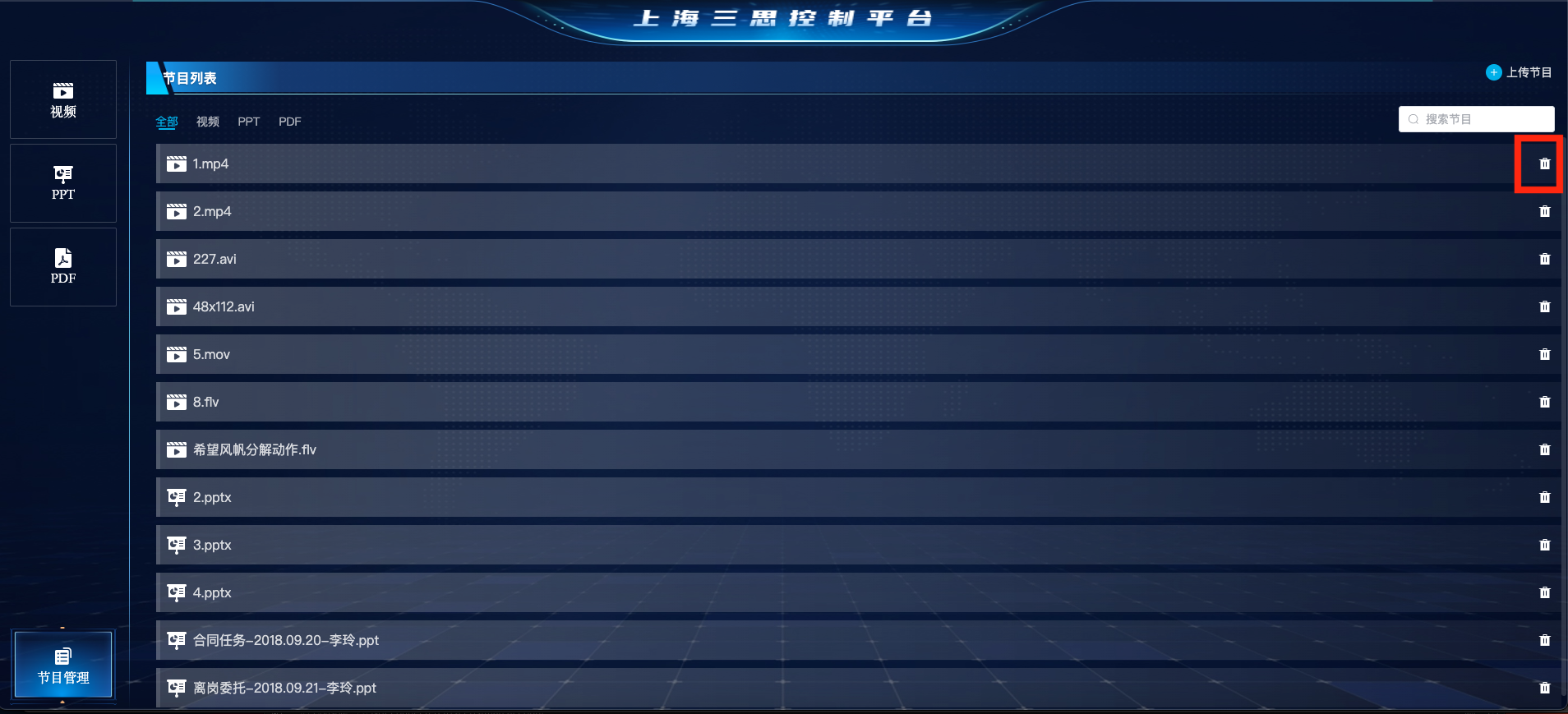
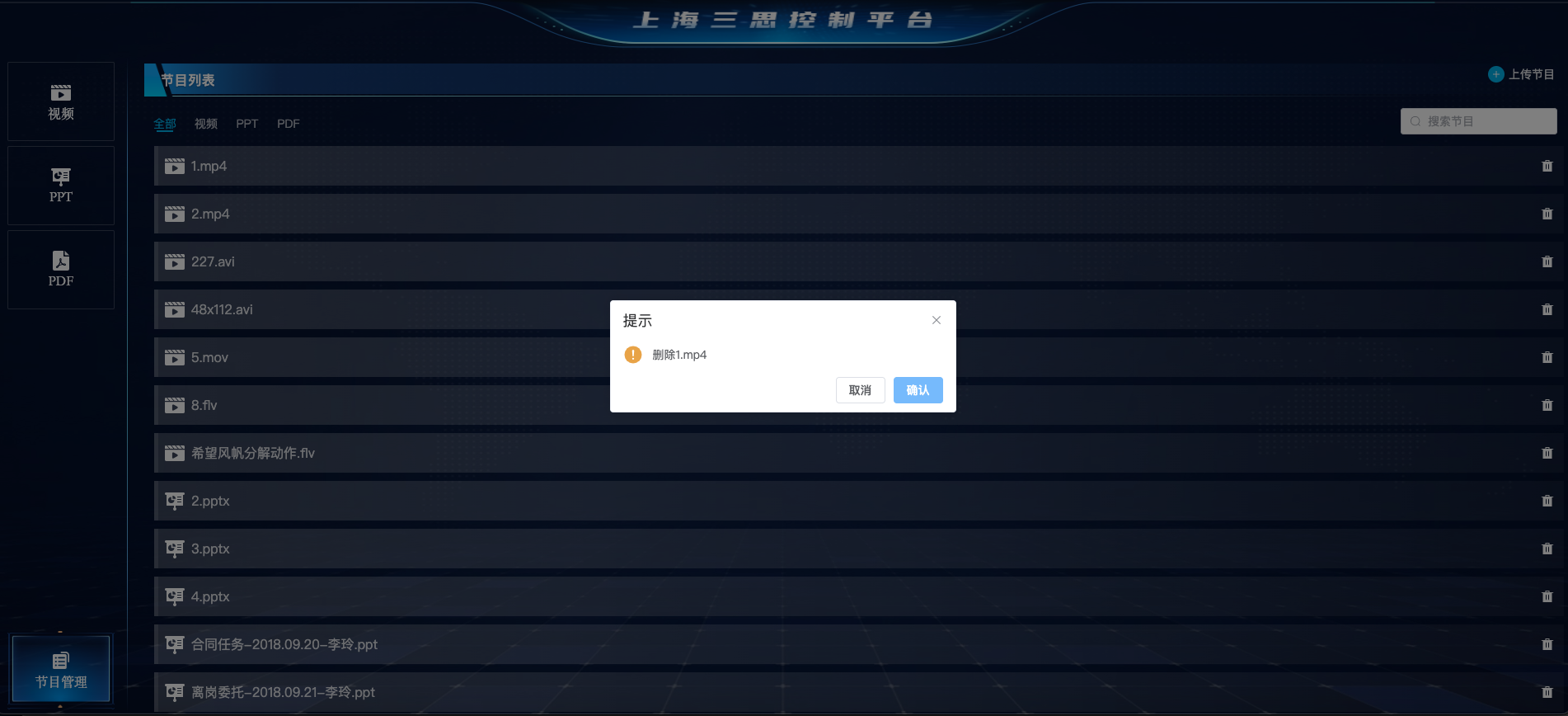
Delete program materials. In the program management section, click the delete button in the material list. A confirmation pop - up will appear, and then you can delete the material.
Search for materials. In the "Program Management" section, enter keywords in the search box.
Service Configuration
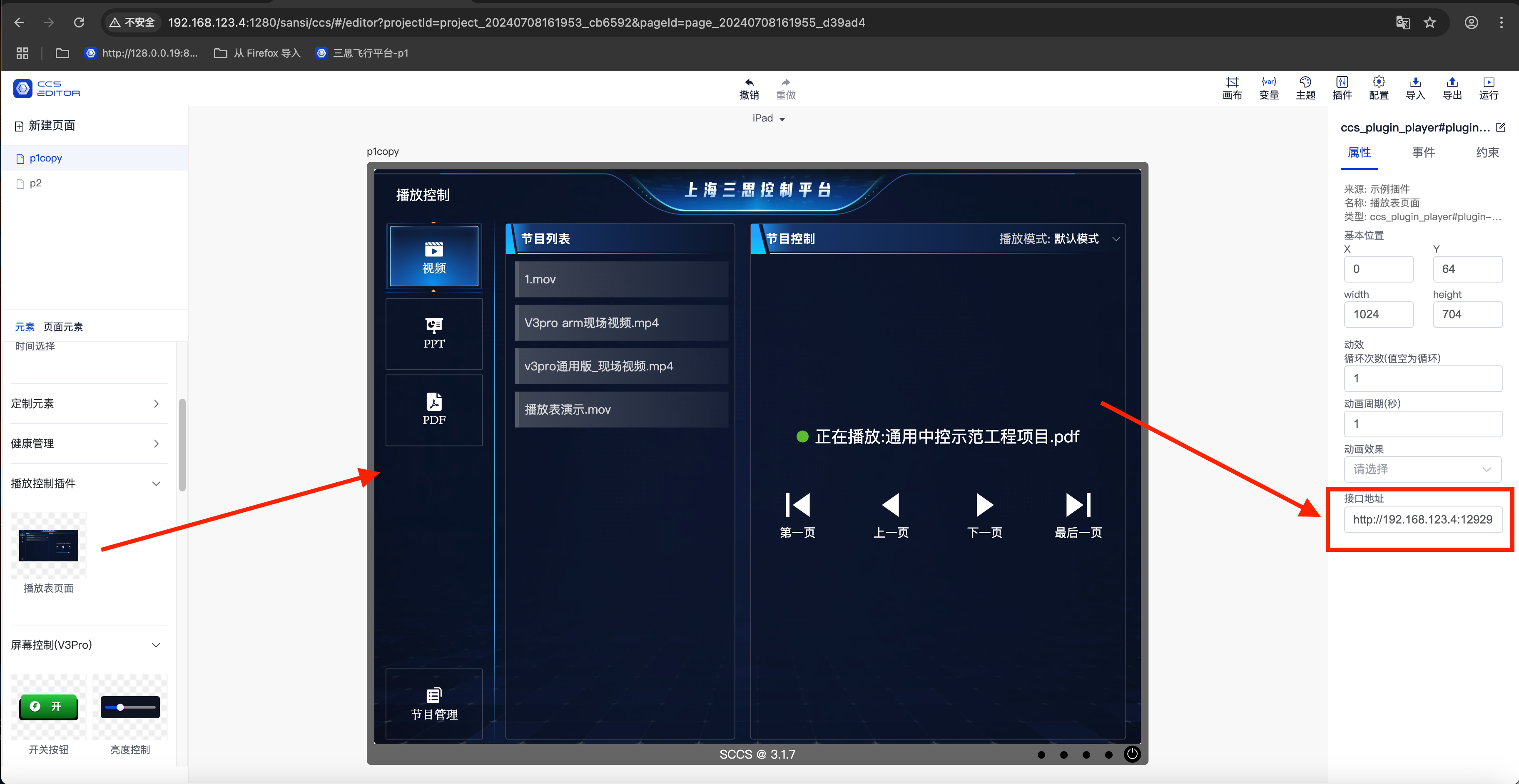
Drag a component onto the editing page.
Modify the service address in the property panel.